When TeamChat notifications are enabled (See Options: TeamChat Tab), you will get a mail notifications about mention/pin/file immediately.
Note: If you don’t receive notifications, check if they are enabled in  Options of the room.
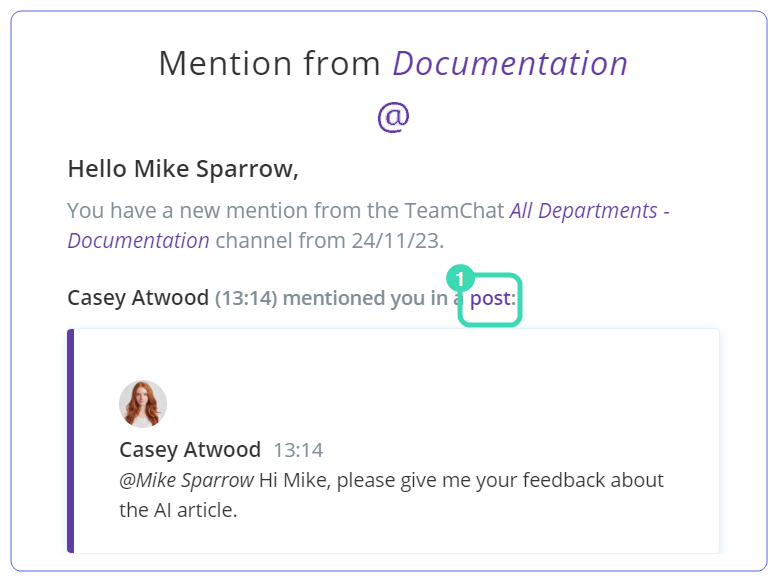
Figure. TeamChat notification.
If you logged in to WebClient, open the TeamChat notification you received by email, and click post  . In the right panel, you will see the post where you were mentioned or pinned.
At the end of the day, you will receive the digest message with all rooms where you have unread items.
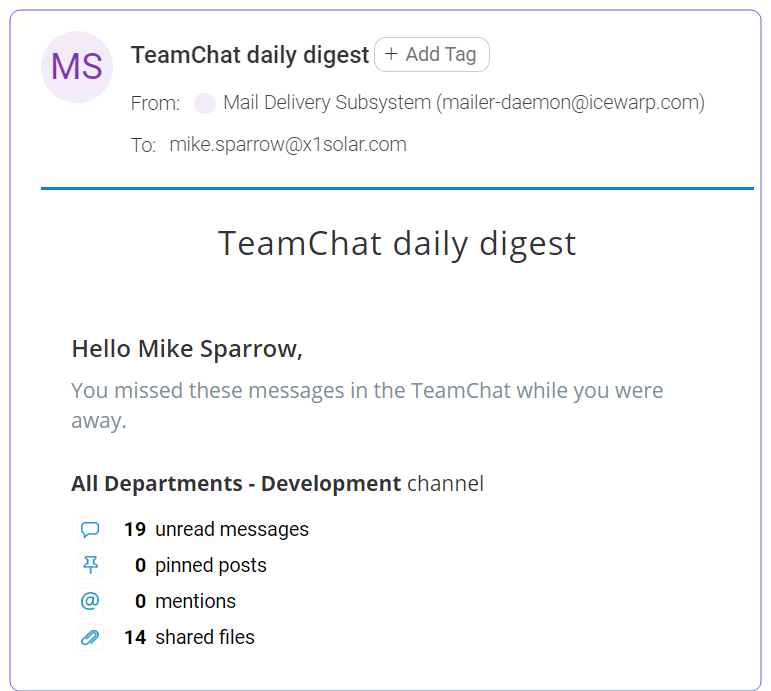
Figure. Daily digest message.