You can join a conference with the link that is sent via an email, Instant messaging or click Meet now in Upcoming conferences.
- Click
 and go to Upcoming tab. Select a conference and click Meet now (see Conferences).
 - Click the link in the received invitation email
 .
.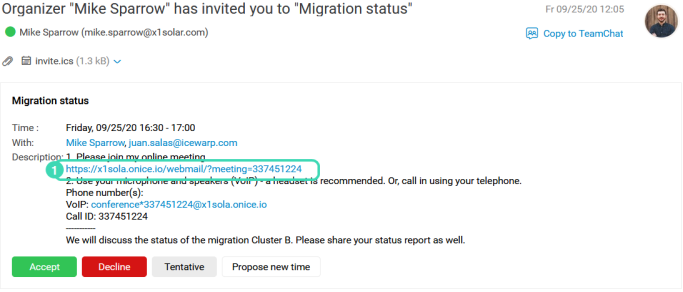 Figure. Conference link in email.
 - Go to your Calendar and click Join Conference .
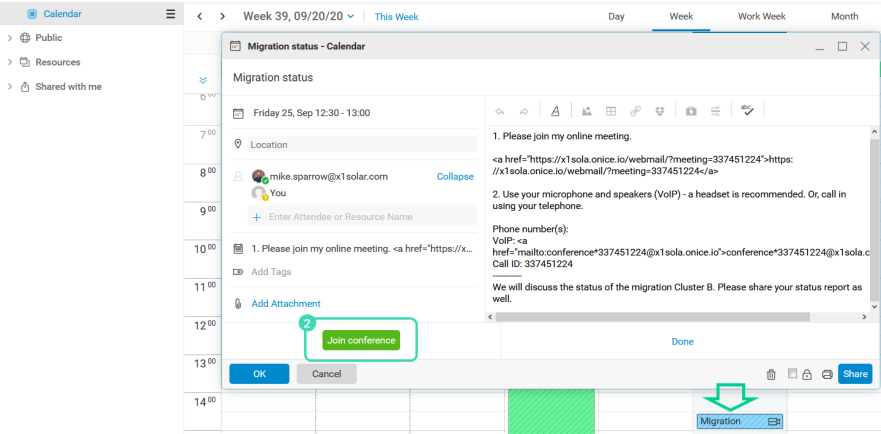 Figure. Conference link in Calendar.
 - If you have received a conference link via the Chat, open the message and click the link
 .
.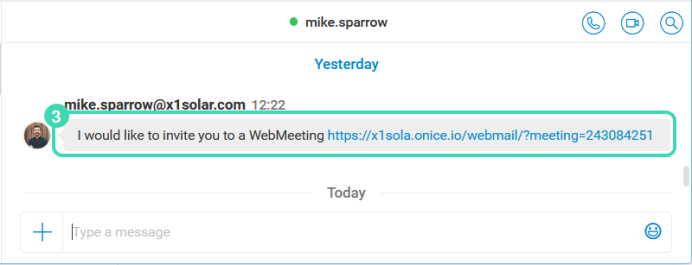 Figure. Conference link in Chat.
 - Once finished, the conference appears in the History tab.