- Right-click the workspace, select
 Upload File.
- To upload files from your computer, click

- To upload files from TeamChat, click

- To upload files from Files & Documents, click

- To upload files from your computer, click
- Select a file and click OK
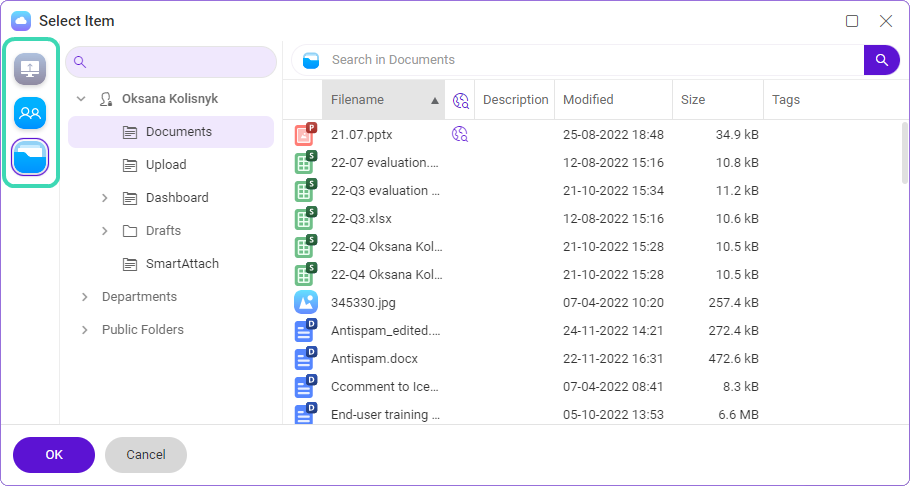
Figure. Uploading files.
You can also drag & drop the file to the workspace.