- To create a note:
- Right-click Notes icon
 in Main menu
 - Click New and select Note
- Click
 in the notes list
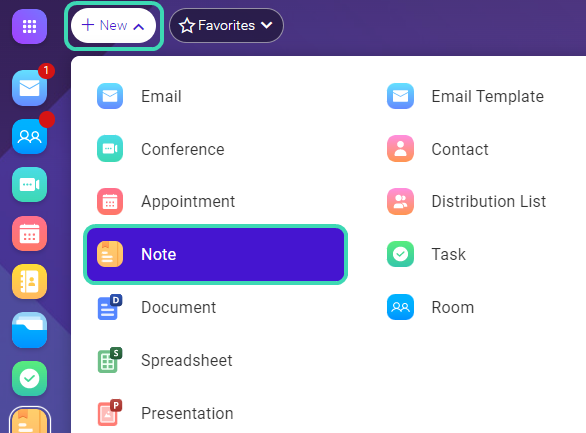 Figure. Menu bar in Notes.
- Right-click Notes icon
- Fill in note subject, add tag and description.
- Drag & drop or attach a file.
Dokumentation
in Main menu in the notes listFigure. Menu bar in Notes.