You can hide the emails of recipients if you want to conceal their identity, for example your clients. To send an email to the hidden recipients, click  and enter the emails of your clients into the Bcc: field. If you do not enter any email address into the To: or Cc: fields, the only email address visible will be the sender in the From: field.
You can also send an email to a recipient and at the same time send hidden copy to a TeamChat room. Create an email, enter the recipient into the To: field and type the name of the TeamChat room into the Bcc to TeamChat: field.
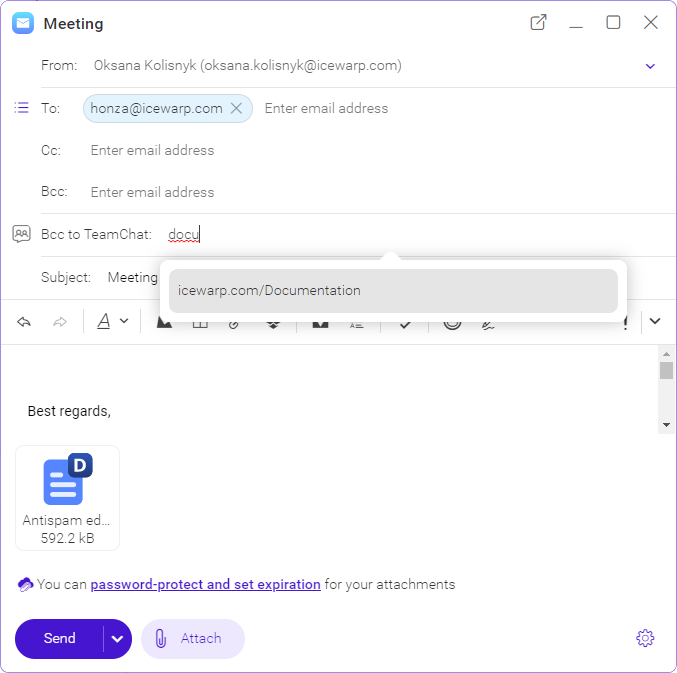
Figure. Bcc to TeamChat option