The easiest way to create a new contact is to click Contacts  .
.
There are also several other options for creating a new contact:
- Click New
 in Menu Bar and then Contact.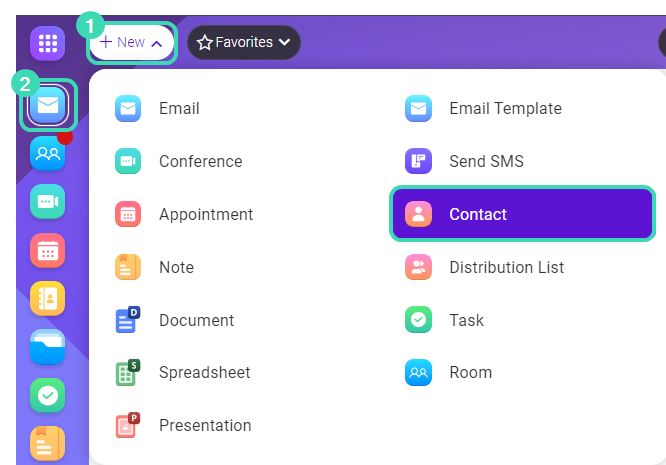
Figure. Creating new contact. - Click Mail in Dashboard
 . Right-click an email with the contact you with to save, choose
  More options > Add Sender to Address Book
Fill out the appropriate information of the new contact: General, Personal, Business, Notes, Attachments, Certificates
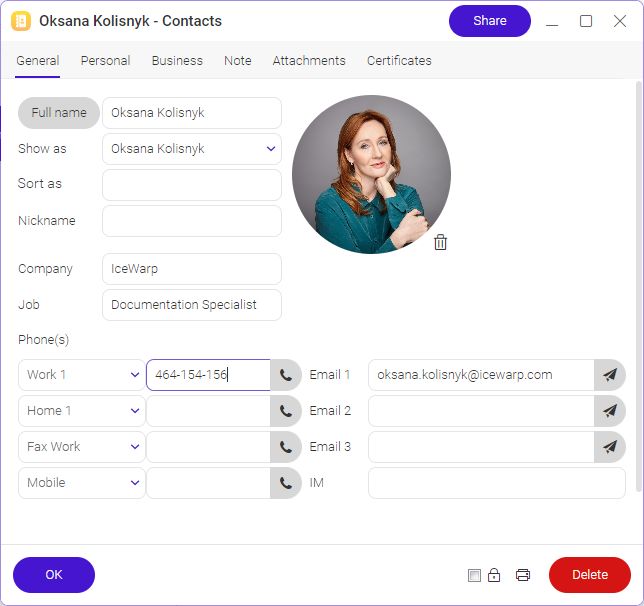
Figure. General tab.
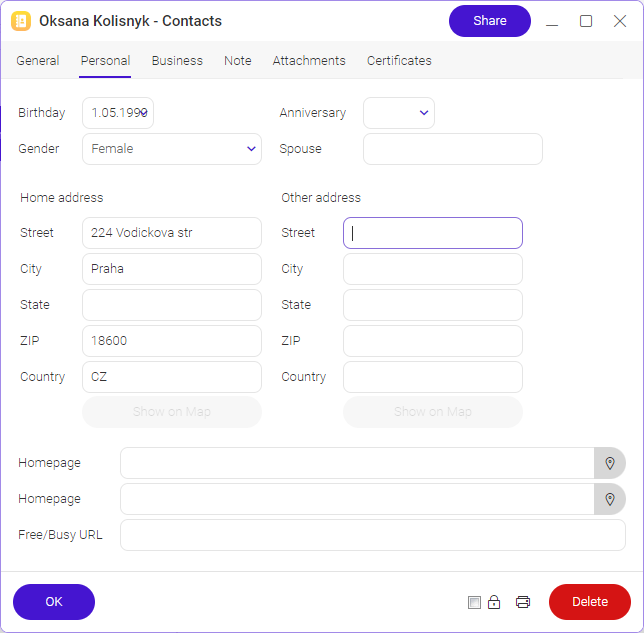
Figure.Personal tab.
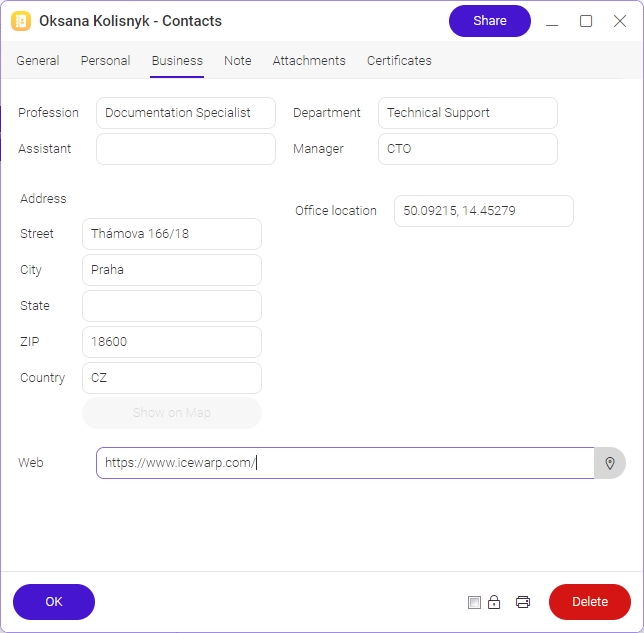
Figure. Business tab.
- General: You can add general info like Name, Company, Job, Phone, Email or Picture.
- Personal: You can add personal info like Birthday, Home address(es), URL.
- Business: Reveals the service properties dialog.
- Notes, Attachments, Certificates: You can upload any of them.
Click OK at the left bottom of the window; the entry will then be added to your contact list.